Why Your Shopify Store Gets Slower Over Time (And How to Fix It)
Shopify stores don't slow down overnight — performance degrades gradually through app accumulation, leftover code, and marketing pixels. Here's why it happens and how to stop it.
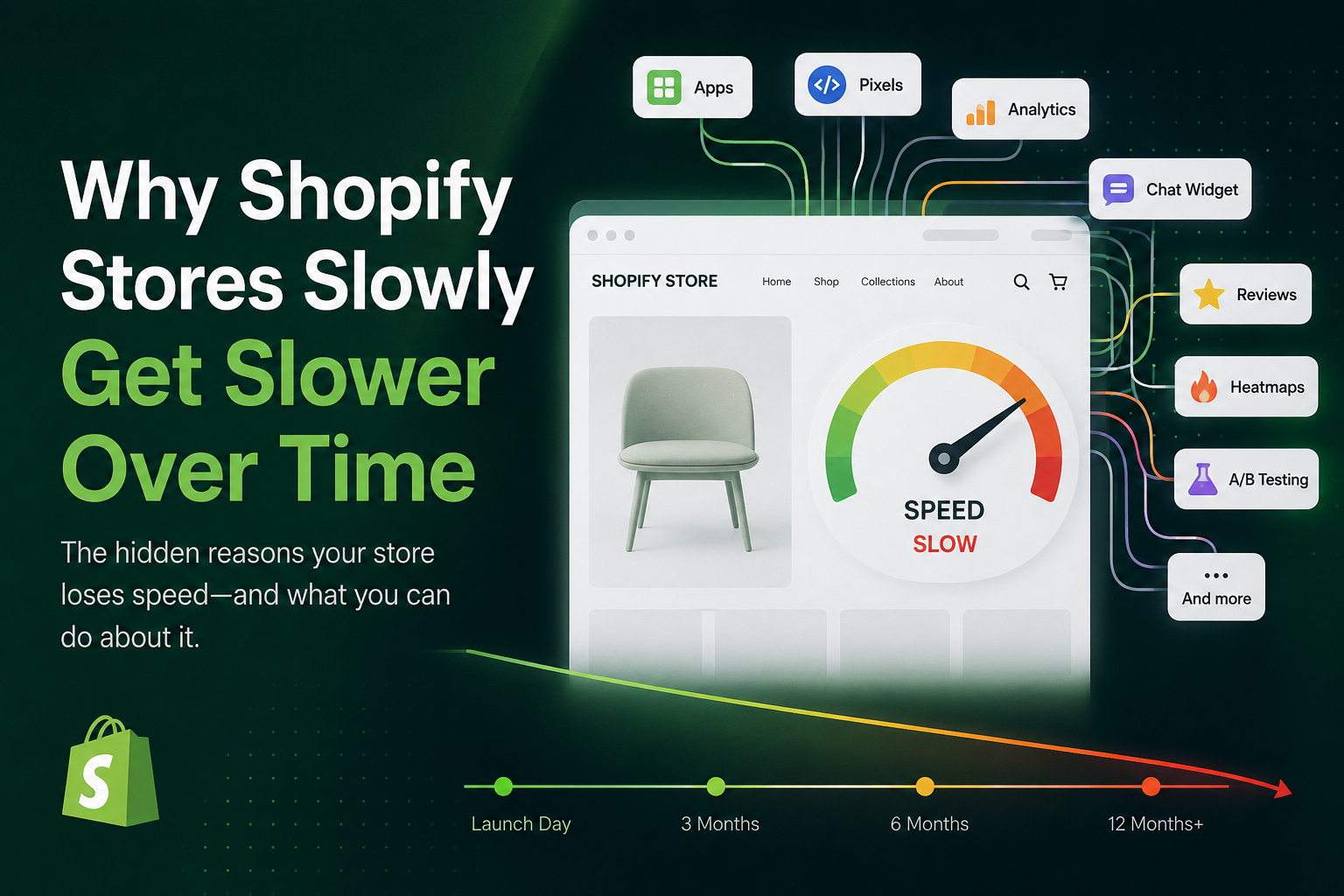
If you've searched "why is my Shopify store slow," you've probably noticed something: your store wasn't always this way. There's a good chance it was noticeably faster when you first launched it.
That's not a coincidence — and it's not your imagination.
Shopify stores almost never slow down overnight. Performance erodes gradually, quietly, and often invisibly — until one day customers are bouncing, your Lighthouse scores look grim, and you're left wondering what went wrong.
This guide explains exactly why that happens, what you can do to slow the decay, and how to get ahead of Shopify performance degradation before it starts costing you conversions.
How Shopify Performance Degradation Actually Works
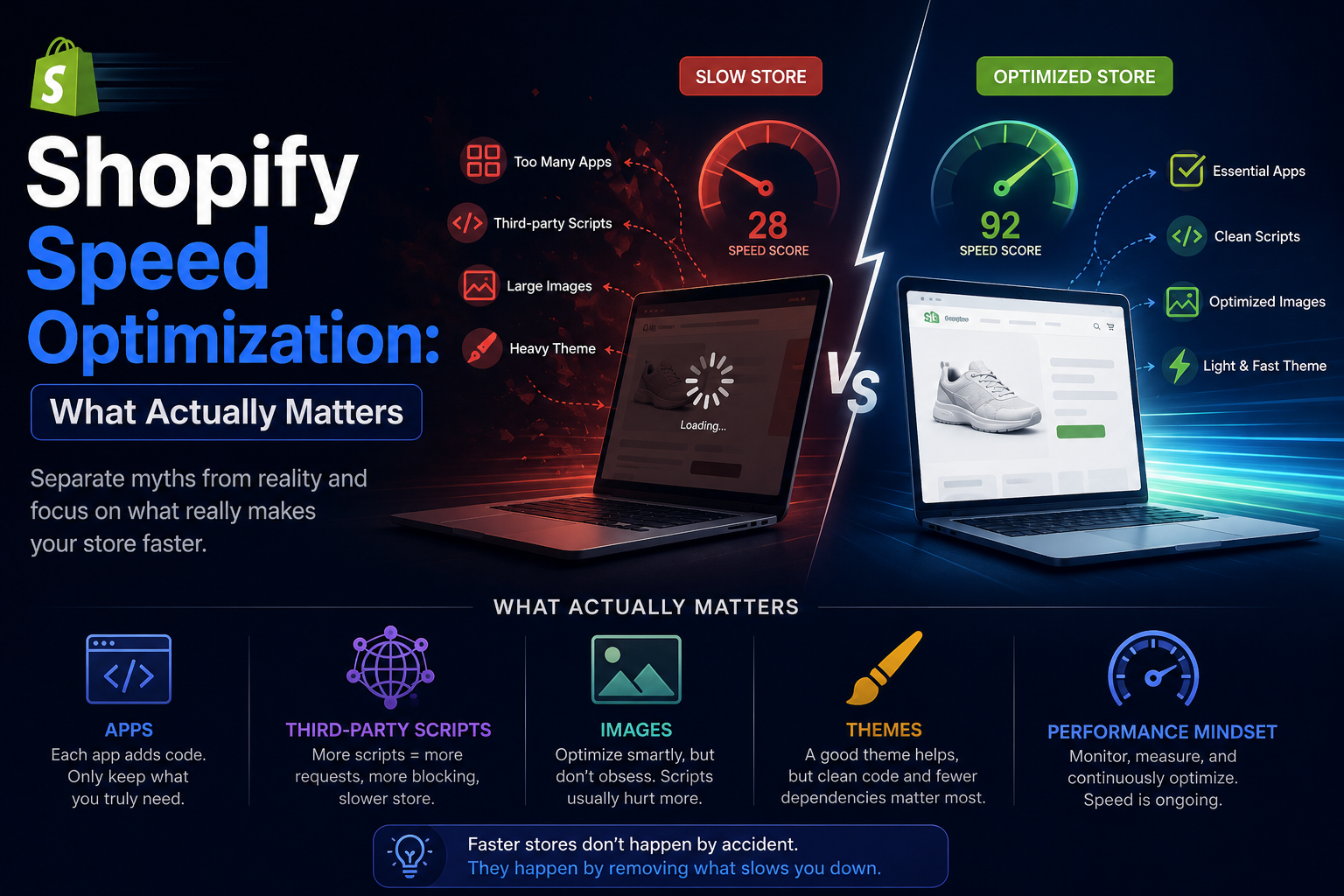
Most merchants assume a slow Shopify store means bad hosting or a problem with Shopify itself. In practice, Shopify's infrastructure is genuinely fast. The platform is built for scale.
The real culprit is almost always what gets layered on top of it over time.
Each week, a store evolves:
- A new review app gets installed
- A marketing team adds a retargeting pixel
- A theme update ships with heavier animations
- An old loyalty app gets uninstalled — but leaves its scripts behind
None of these feel significant in isolation. But over six months? Twelve months? They compound into something that meaningfully damages the shopping experience.
This is what's often called Shopify performance debt — a slow, invisible buildup of scripts, bloat, and leftover code that nobody planned for and few merchants actively monitor.
The 5 Most Common Causes of a Slow Shopify Store Over Time
1. Apps Inject JavaScript on Every Page — Not Just Where You'd Expect
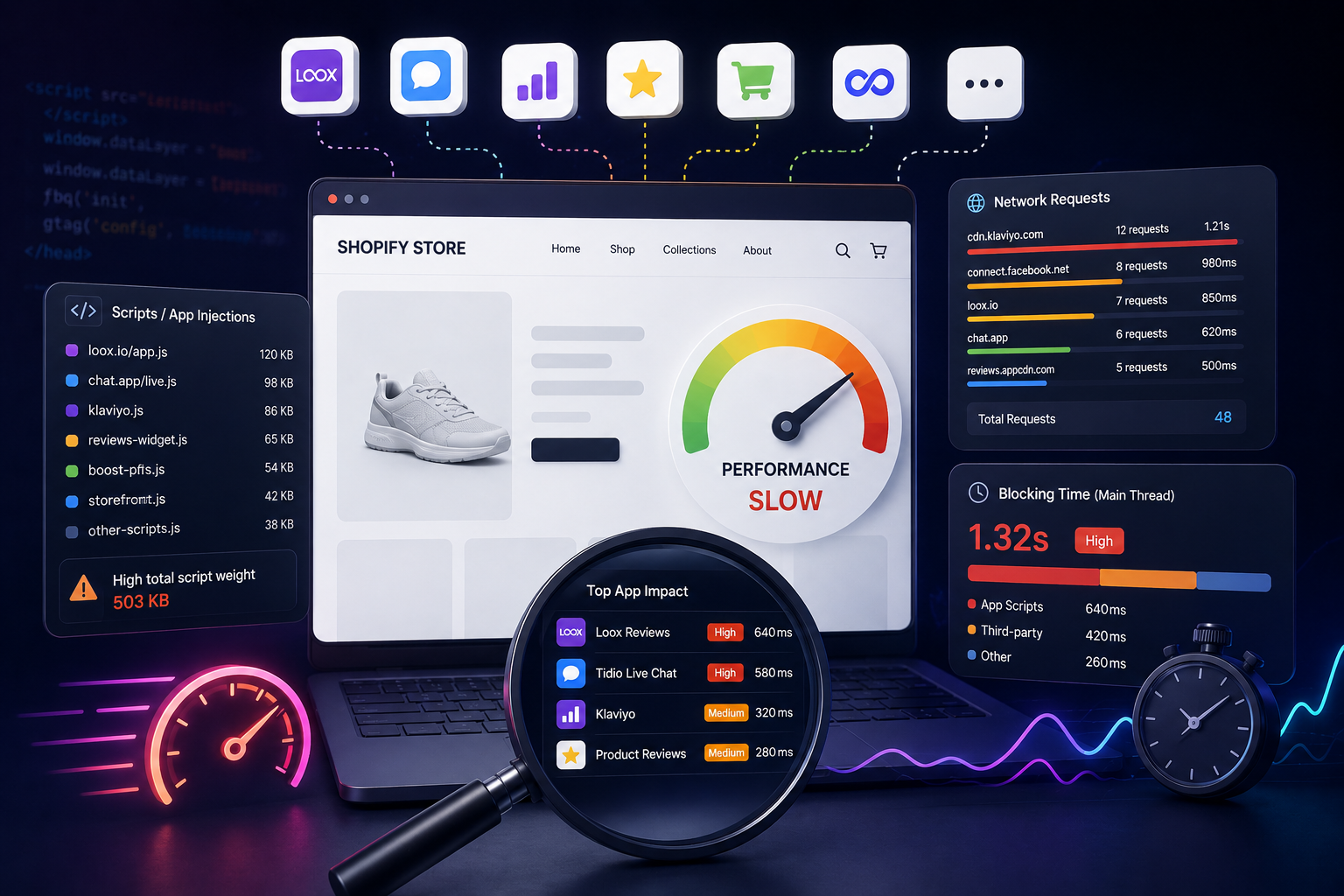
When you install a Shopify app, it often loads its JavaScript globally across your entire storefront. That review widget you added for product pages? It's probably loading on your homepage, blog posts, collection pages, and cart too.
Multiply that across 10, 15, or 20 apps and you have dozens of scripts competing for browser resources on every single page load.
This is one of the most common root causes when merchants ask: "Why is my Shopify store slow even though I haven't changed anything?" The store has changed — incrementally, through every app installation.
2. Uninstalled Apps Leave Ghost Code Behind
Here's one that surprises a lot of merchants: removing an app from Shopify does not remove its code from your theme.
Shopify's app ecosystem doesn't have a universal cleanup mechanism. When you uninstall an app, the storefront-facing code it injected — Liquid snippets, app embeds, script tags, CSS files — often remains in your theme files indefinitely.
This "ghost code" continues loading for your customers even though the app is long gone. Common leftovers include:
- Unused CSS stylesheets
- Deferred JavaScript files
- Hidden app blocks in theme sections
- Old tracking event handlers
- Liquid template snippets still referenced in layouts
Over time, these accumulate into silent performance drag that no one notices because no one thinks to look.
3. Marketing Pixels Multiply Faster Than Anyone Realizes
Modern ecommerce marketing requires tracking. That's a given. But most Shopify stores accumulate far more tracking scripts than they realize — often spread across different teams with no central oversight.
A typical store might be running:
- Meta Pixel (Facebook/Instagram)
- Google Ads conversion tracking
- TikTok Pixel
- Pinterest Tag
- Affiliate network scripts
- Retargeting platform pixels
- Third-party analytics and heatmap tools
Each of these scripts competes for network requests, main thread execution time, browser memory, and rendering priority. The cumulative effect degrades your Core Web Vitals — particularly Total Blocking Time (TBT) and Interaction to Next Paint (INP) — which directly affect both user experience and SEO rankings.
TBT
> 600ms
typical with 8+ marketing pixels
4. Theme Updates Add Complexity Gradually
Modern Shopify themes are impressive pieces of software. Animations, predictive search, sticky carts, dynamic product recommendations, personalization features — they all require JavaScript, and that JavaScript takes time to execute.
The problem is that themes evolve. Each update can subtly increase:
- Script execution time
- Layout shift (Cumulative Layout Shift / CLS)
- Total page weight
- Render-blocking resource count
No single update feels dramatic. But if you benchmarked your theme's performance from two years ago against today, the difference is often significant.
5. Nobody Is Actually Monitoring Storefront Performance
This might be the most important factor of all. Most Shopify merchants monitor the metrics that tie directly to revenue: conversion rate, ROAS, average order value, revenue per session. Very few monitor:
- Total third-party script count
- JavaScript execution cost per page
- App impact on Time to Interactive (TTI)
- Script growth month over month
So performance degradation happens in the background, invisible, until conversion rates start dropping noticeably — at which point the root cause is much harder to untangle.
What a Slow Shopify Store Actually Costs You
Performance problems aren't just a technical inconvenience. They have measurable commercial impact across three areas:
SEO Rankings and Organic Visibility
Google uses Core Web Vitals — LCP, INP, and CLS — as ranking signals, particularly on mobile. A Shopify store that has degraded from a passing score to a failing one will see organic visibility decline over time, especially for competitive ecommerce keywords. Fixing page speed is one of the few SEO improvements with a clear, measurable cause and effect.
Conversion Rate
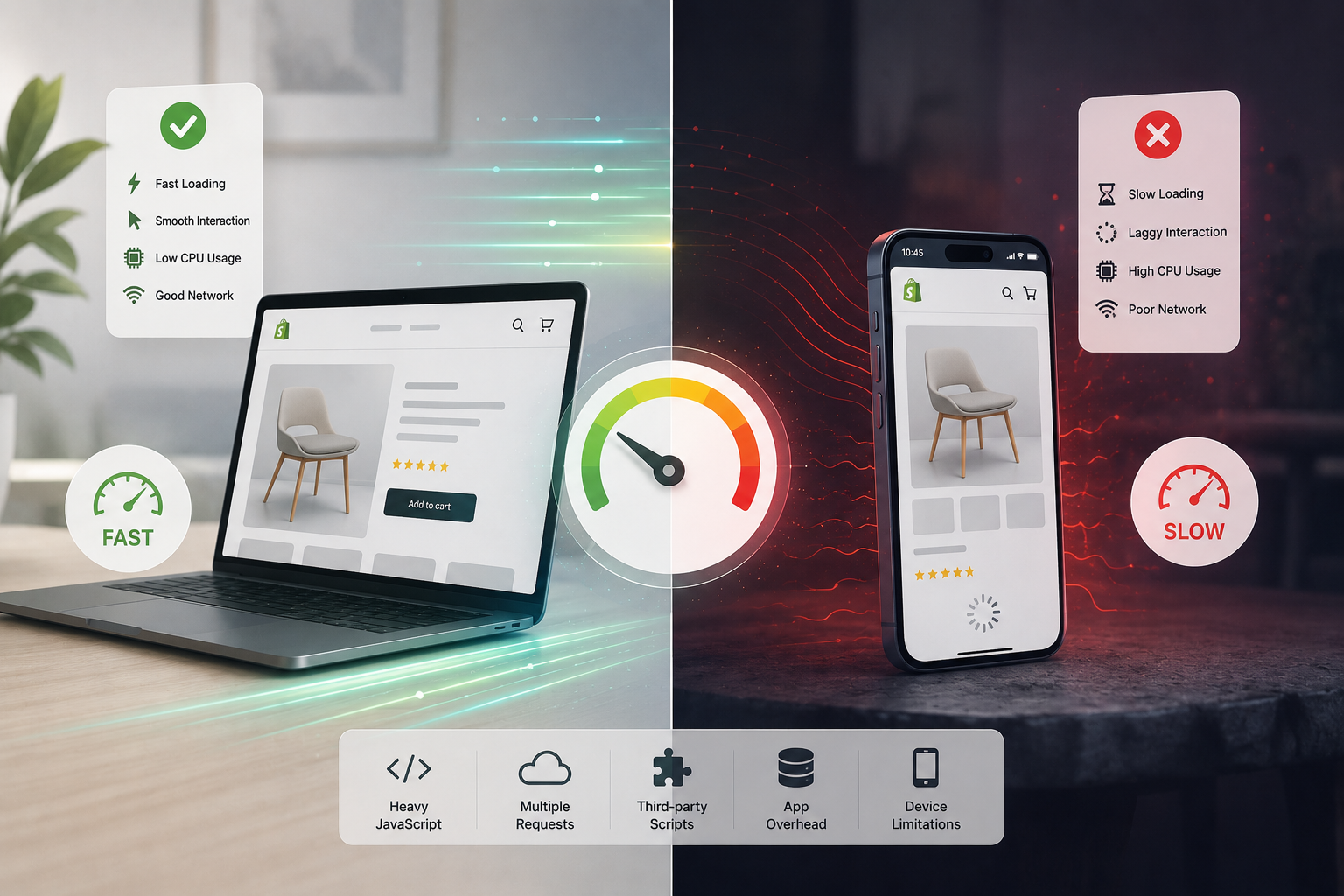
The research here is consistent: page speed and conversion rate are tightly correlated. Customers abandon stores that feel sluggish. Cart drawers that hesitate, product images that stutter into view, search results that take a beat too long — all of these erode trust and purchasing intent.
Conversion Impact
~1% drop
per additional second of load time (mobile)
Ad Spend Efficiency
If your paid traffic is landing on slow pages, you're paying for bounces. Higher bounce rates mean worse Quality Scores in Google Ads, higher CPMs on Meta, and a lower return on every marketing dollar you spend. Slow landing pages are one of the most overlooked causes of declining ROAS.
How to Stop Your Shopify Store From Getting Slower
Audit Your Installed Apps Regularly
Every app is a performance tradeoff. The question isn't whether an app has value — it's whether its value justifies its performance cost. For each installed app, ask:
- Is this actually being used?
- Does it need to load on every page, or just specific ones?
- Is there a lighter native alternative built into Shopify?
- When did someone last verify this is still necessary?
Clean Up Leftover Code After Uninstalls
Make it a habit. When an app is removed, do a manual sweep of:
theme.liquidand layout files for injected<script>tags- The Sections directory for leftover app blocks
- The Snippets directory for orphaned Liquid files
- App embed settings in the Theme Editor
This is tedious, but it prevents silent performance debt from building up.
Centralize and Audit Your Tracking Pixels
Work with your marketing team to maintain a single source of truth for all tracking scripts. Audit the list quarterly. Remove pixels for platforms you're no longer actively advertising on. Consolidate where possible — Google Tag Manager can help reduce the total number of direct script tags, though it adds its own weight.
Monitor Performance Continuously — Not Just Once
A one-time Lighthouse audit tells you where you are today. It doesn't tell you when things start slipping. Setting up regular, automated performance monitoring means you catch regressions early — before they compound into something that takes weeks to diagnose.
The earlier you catch performance degradation, the easier it is to fix. A store that's 10% slower than last month is a manageable problem. A store that's 40% slower than it was two years ago is a project.
Key Takeaway
Shopify stores don't get slow because of a single bad decision — they get slow because of dozens of small decisions that never get revisited. Apps accumulate. Pixels multiply. Ghost code lingers. Themes get heavier. And without someone actively monitoring performance over time, the decay goes unnoticed until it's a real problem.
The good news: performance debt is preventable. Regular audits, disciplined app management, and continuous monitoring are usually enough to keep a Shopify store running the way it did on launch day — or better.